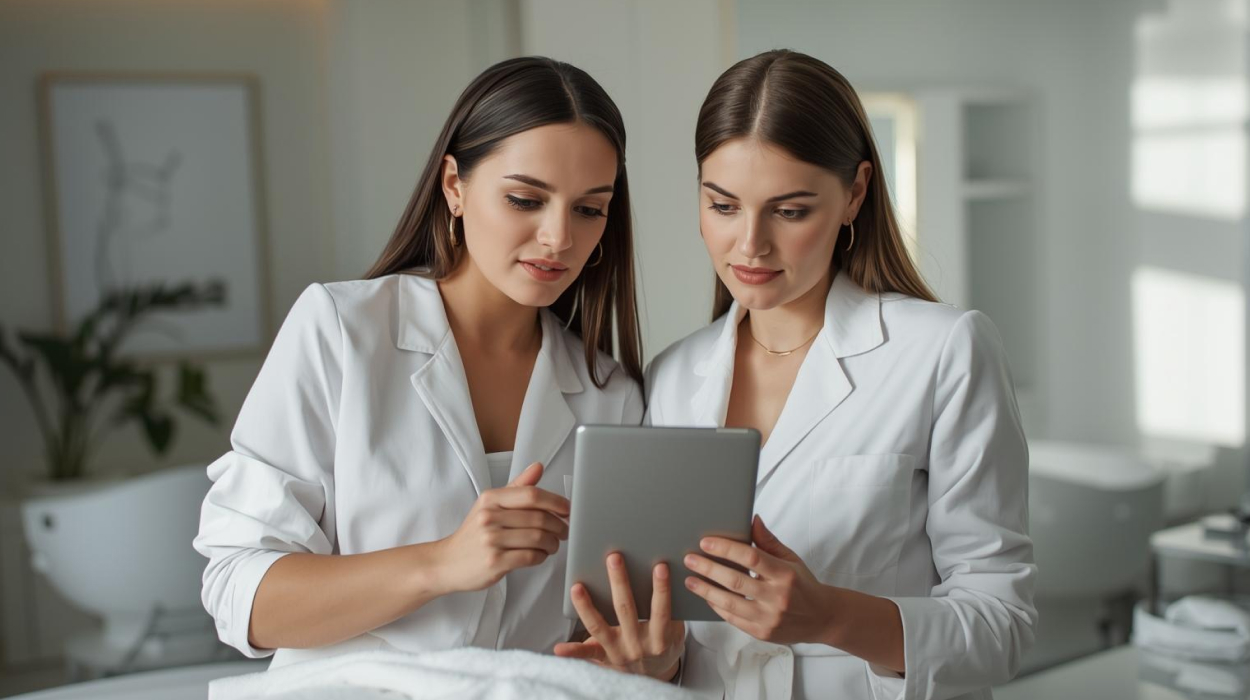

Running a medical spa with a small clinical team means every employee plays an important role. A provider may perform treatments, review client records, answer questions, and handle follow-up. Meanwhile, a front desk employee may manage appointments, intake forms, payments, and communication.
When responsibilities overlap, it can become difficult to keep work organized. Tasks may be missed, information may be entered twice, and employees may not know who is responsible for the next step.
The right medical spa software for small teams can connect these workflows while helping each employee access the information and tools needed for their role.
The goal isn't to make a small practice operate like a large organization. It's to give every team member the tools and information they need to do their job efficiently.
Small medical spa teams often share responsibilities. While this flexibility can be helpful, it can also create confusion when tasks aren't clearly assigned.
Consider a typical client appointment:
Each step may involve a different employee. Without a clear process, team members may assume someone else has completed a task.
Small med spa team management helps staff understand what has been completed and what still needs attention.
Before delegating tasks, identify which responsibilities belong to each role. In a small medical spa, med spa staff permissions should support those responsibilities without giving every employee access to everything.
Administrative employees may manage scheduling, appointment reminders, intake forms, check-in, contact information, payments, and routine rebooking communication.
Providers may review client health information, evaluate clients within their scope of practice, confirm clinical consent, perform authorized treatments, document treatment details, and provide post-treatment instructions.
Managers may oversee employee schedules, operational reporting, staff access, inventory, administrative workflows, training, and task coordination.
The exact division of responsibilities depends on employee qualifications, applicable laws, and the practice's clinical policies. Clear medical spa workflow management helps the team coordinate those responsibilities.
Small teams work closely together, but not every employee needs access to the same information. Role-based permissions can limit access based on job responsibilities.
Front desk staff may need scheduling and billing tools, providers may need relevant clinical records, and managers may need reporting and employee-management tools without needing to edit treatment notes.
When evaluating HIPAA-compliant medical spa software, look for individual employee accounts, role-based access to clinical and business information, activity tracking, and controls that restrict access to sensitive client records.
Software permissions are only one part of HIPAA compliance. Practices also need appropriate policies, staff training, and oversight.
One of the biggest challenges for a small clinical team is med spa staff delegation.
Providers shouldn't have to manage every appointment reminder or routine scheduling change. At the same time, clinical decisions, required assessments, and treatment documentation must remain with appropriately qualified personnel.
The goal is to reduce unnecessary administrative demands on providers while preserving clinical responsibility.
A front desk employee may collect forms, but a provider may need to review health history, allergies, medications, or other relevant information before treatment.
A connected workflow can send the appropriate forms after booking, collect them before arrival, let authorized staff confirm receipt, and give the provider access to relevant information before treatment.
Administrative staff can coordinate the process without taking responsibility for clinical decisions. When evaluating software, check whether intake forms connect with client records and whether providers can access the information they need during appointments.
Clinical documentation is essential in medical aesthetics, but it can become difficult to manage when providers have limited time between appointments.
An EMR designed for med spas may include customizable treatment templates, SOAP notes, client health information, treatment history, electronic consent forms, signatures, before-and-after photos, and treatment details.
Templates can help providers organize information consistently, but they should not replace individualized clinical judgment or complete documentation. During a demonstration, have a provider walk through a typical appointment, review a client record, and document a sample treatment.
Small medical spas may have limited treatment rooms, shared equipment, and providers who work different schedules. This can make appointment coordination more complicated than managing a basic calendar.
Medical spa management software can help coordinate these moving parts. Online booking, reminders, availability controls, and clear scheduling permissions can reduce routine work and help prevent conflicting room reservations.
After treatment, the front desk may need to process payment, apply a package, schedule another visit, or provide approved follow-up information.
Connected software can help administrative staff access what they need for checkout without unnecessary access to clinical records. The provider completes treatment documentation, while the front desk manages the transaction and rebooking process.
Depending on the platform, medical spa software may help automate appointment confirmations, reminders, digital form delivery, routine rebooking communication, payment or membership notifications, and approved follow-up messages.
Automation should not replace necessary clinical review or individualized medical guidance. The best automation handles routine processes while making it clear when a human team member needs to act.
When a small team shares responsibilities, establish who owns each part of the client journey. A simple workflow responsibility chart can help. Each practice should adjust assignments based on staffing, qualifications, clinical policies, and applicable regulations.
The software should make these workflows easier to complete, but the practice must still define who is responsible for each task.
Employee permissions shouldn't be configured once and forgotten. As a practice hires employees, changes responsibilities, or loses staff members, access needs may change.
Small medical spas should establish a process for creating accounts, assigning permissions by job duties, reviewing access when responsibilities change, removing access when employees leave, training staff, and reviewing activity where needed.
This becomes especially important when a practice grows from a solo provider into a team with multiple clinical and administrative roles.
When comparing medical spa software, don't focus only on the number of features. Ask vendors to demonstrate delegation and access across a real client appointment.
Have employees test the workflows they will actually use. A platform may look simple during a sales presentation but feel very different in daily practice.
Yes. Role-based access is an important consideration for practices handling sensitive client information. Permissions help limit access according to employee responsibilities and applicable privacy requirements.
Administrative staff can often coordinate the distribution and collection of intake forms. Clinical review and decisions must remain with appropriately qualified personnel according to applicable laws and practice policies.
Software can automate routine tasks, but it doesn't replace human oversight, client communication, clinical judgment, or appropriate staff responsibilities.
Look for documentation tools that fit the practice's services, including health information, treatment notes, consent forms, signatures, photos, and appropriate access controls. Providers should test these workflows before choosing a platform.
Define responsibilities, establish role-based permissions, standardize common workflows, and create a process for training new staff. Software that supports these processes can make team growth easier to manage.
Small medical spa teams need more than a scheduling calendar. They need a connected way to coordinate appointments, client information, clinical documentation, payments, and communication while maintaining clear staff responsibilities.
AestheticsPro can help connect these workflows in one platform. When evaluating it, ask to see how your front desk and clinical team would complete a typical appointment, access role-relevant information, and manage responsibilities throughout the client journey.
Book a free demo to see how AestheticsPro can support your small clinical team.
Related articles on growth, operations, and the systems shaping modern medical aesthetics practices.

Learn how medspa software supports secure documentation, digital consent, and HIPAA compliance to meet medical spa requirements...

Discover holiday upselling strategies to increase revenue in a med spa with packages, med spa loyalty programs, and med spa software...
Explore post-GLP-1 aesthetic treatments for volume loss, skin laxity, body contouring, and how medical spa software supports ongoing care...
Plan for the med spa holiday rush with a practical checklist for staffing, revenue, inventory, communication, and medical aesthetics software...

Learn how to plan winter aesthetic procedures before holiday events, including timing, downtime, skin quality, and natural-looking results...

See when growing med spas need med spa management software, what small business tools may outgrow, and what to look for next...
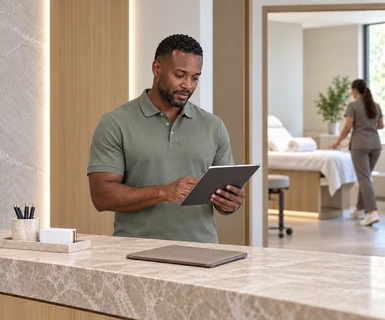
See what medical spa booking software should do before the visit, from intake and reminders to connected practice workflows...

See how spa management software can support repeat visits, memberships, stronger client retention, and long-term medspa growth...
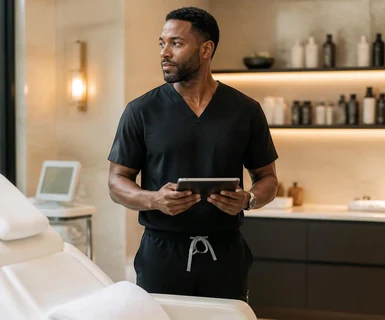
See how AI-powered med spa software is helping aesthetic practices streamline workflows, save time, and improve the client experience...


 Login
