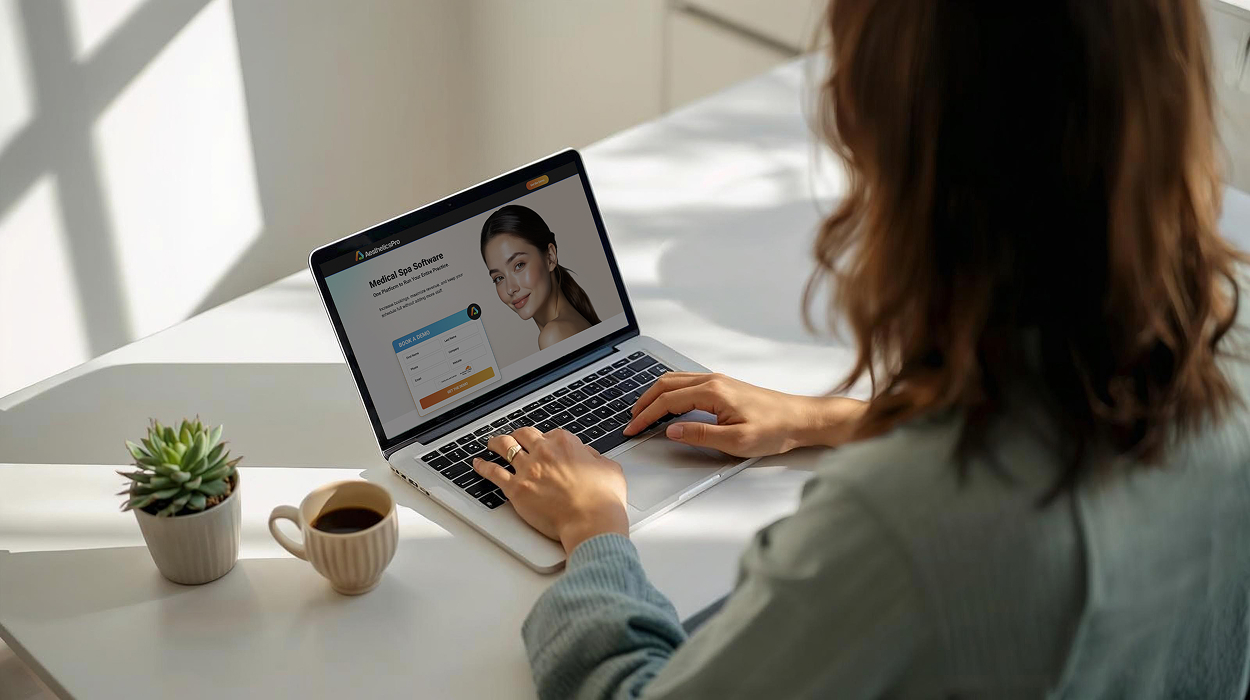

A med spa software comparison can become difficult when every platform seems to offer the same basic features. Scheduling, online booking, EMR, payments, reporting, and marketing may appear on nearly every vendor's feature list, but that doesn't tell you how well those capabilities will work for your practice.
The best way to compare med spa software is to evaluate each platform using the same criteria and realistic scenarios.
This med spa software scorecard gives your team a consistent framework for evaluating workflows, clinical documentation, front desk usability, reporting, scalability, implementation, and support. Bring it to each med spa software demo, score every platform the same way, and you'll have a much clearer comparison when it's time to make a decision.
Before meeting with vendors, identify the workflows that matter most to your practice.
Ask your team:
Turn those answers into scenarios you can ask every vendor to demonstrate.
Instead of asking, "Do you have online booking?" ask, "Show me what happens from the moment a new client books online through their arrival at the practice."
Instead of asking, "Do you have an EMR?" ask, "Show one of our providers how they would document a typical treatment from beginning to end."
Using the same questions and scenarios for every vendor makes it much easier to compare spa management software based on actual performance rather than sales presentations.
Score each platform from 1 to 5 in each category.
Have the employees who actually perform these workflows participate in the scoring whenever possible.
Start with the complete client journey.
Ask the vendor to demonstrate:
Online booking to intake to check-in to treatment documentation to checkout to rebooking to follow-up.
Don't evaluate each feature separately. Watch what happens between the steps.
Consider:
Medical spas combine business operations with clinical workflows, so don't evaluate the platform solely from the front desk.
Have an actual provider participate in this portion of the demonstration.
Ask the vendor to show how the platform handles:
Then give the vendor a realistic treatment scenario.
Can your provider find the information they need and document the appointment efficiently?
Don't simply ask whether the platform "has an EMR." Evaluate whether its documentation workflow makes sense for your providers.
Your front desk may spend more time in the software than almost anyone else.
Don't evaluate usability by watching an experienced salesperson navigate a carefully planned demonstration.
Give them real scenarios.
For example:
A client arrives early while another client calls to reschedule. A cancellation has created an opening later in the day. One provider is running behind, another client needs to check out, and someone else is checking in.
Ask the vendor to show how staff would manage the situation.
Evaluate:
Then ask your front desk team: Could we realistically use this throughout a busy day?
Don't ask, "Does the software have reporting?" Almost every vendor can answer yes.
Instead, identify several questions you regularly ask about your practice and have the vendor show you how to find the answers.
For example:
Pay attention to what it takes to get the answer.
Can the information be accessed directly? Or does someone need to export multiple reports, combine spreadsheets, or manually calculate the metric?
Reporting should make your business easier to understand, not create another administrative project.
The final category looks beyond what happens during a normal appointment.
First, test reasonable growth scenarios.
Ask:
Then evaluate what happens after you purchase the software.
Ask each vendor:
A platform can perform well during a demonstration and still create problems if implementation or ongoing support doesn't meet your practice's needs.
After each demonstration, total the five scores.
Don't treat the highest numerical score as an automatic winner.
Your practice may consider certain categories more important than others. A provider-heavy practice may place additional weight on clinical workflows, while a growing multi-location practice may prioritize scalability and management visibility.
The value of the scorecard is consistency: every platform is evaluated against the same requirements instead of whichever features happened to receive the most attention during the demo.
Your numerical score isn't the only thing worth recording.
Make note if:
One red flag doesn't necessarily eliminate a platform, but documenting these issues makes your final comparison more useful.
One of the biggest mistakes practices can make during software demonstrations is allowing each vendor to determine what gets evaluated.
One company may spend most of the demonstration on scheduling. Another may focus heavily on marketing. A third may emphasize reporting.
At the end, you're left trying to compare completely different presentations.
Instead, create three to five scenarios and ask every vendor to demonstrate them.
For example:
Now you're comparing platform against platform, not presentation against presentation.
AestheticsPro is designed specifically for medical spas and aesthetic practices, connecting clinical and business workflows within one practice-management platform.
But you shouldn't simply take our word for it.
Bring this scorecard to your AestheticsPro demonstration.
Ask us to show your client journey. Give us a busy front-desk scenario. Have a provider evaluate documentation workflows. Ask us to find the business information that matters to you.
Then score AestheticsPro using the same criteria you're using for every other platform.
Book a free demo and see how AestheticsPro measures up.
The best way to compare med spa software is to evaluate each platform using the same requirements and realistic scenarios. Compare workflow fit, clinical documentation, front desk usability, reporting, scalability, implementation, and support rather than simply counting features.
During a med spa software demo, ask the vendor to demonstrate realistic workflows your team actually performs. This can include a complete client journey, provider documentation, a busy front-desk scenario, checkout, reporting, and adding another provider or location.
A med spa software comparison scorecard is a consistent framework for evaluating multiple platforms against the same criteria. It can help your practice compare workflow fit, clinical capabilities, usability, reporting, scalability, implementation, and support.
Include employees who will actually use the platform. Front desk staff, providers, managers, and owners may interact with software differently, so involving multiple roles can uncover workflow and usability issues that aren't obvious during a sales presentation.
No. Feature lists can help identify basic capabilities, but they don't show how those capabilities work together. Two platforms may both offer scheduling, EMR, payments, and reporting while providing very different day-to-day workflows.
Related articles on growth, operations, and the systems shaping modern medical aesthetics practices.
Discover holiday upselling strategies to increase revenue in a med spa with packages, med spa loyalty programs, and med spa software...

Explore post-GLP-1 aesthetic treatments for volume loss, skin laxity, body contouring, and how medical spa software supports ongoing care...
Plan for the med spa holiday rush with a practical checklist for staffing, revenue, inventory, communication, and medical aesthetics software...

Learn how to plan winter aesthetic procedures before holiday events, including timing, downtime, skin quality, and natural-looking results...

See when growing med spas need med spa management software, what small business tools may outgrow, and what to look for next...
See what medical spa booking software should do before the visit, from intake and reminders to connected practice workflows...

See how spa management software can support repeat visits, memberships, stronger client retention, and long-term medspa growth...
See how AI-powered med spa software is helping aesthetic practices streamline workflows, save time, and improve the client experience...

Beauty optimizers are mixing aesthetics, wellness, and longevity. See what this trend could mean for clients and spa management software...


 Login
Login